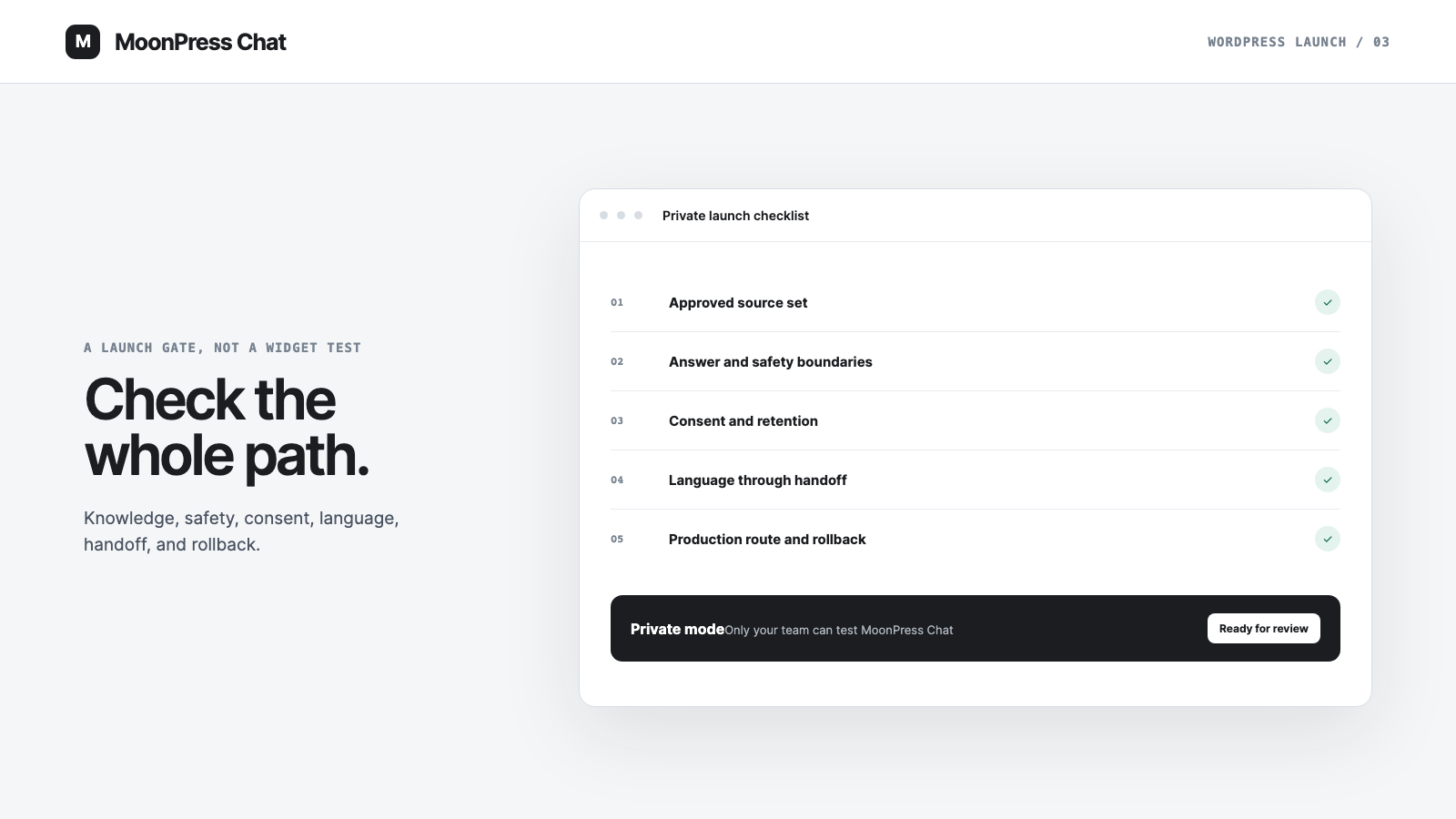
A chat bubble that opens is not a launch test. Neither is one successful question copied from the homepage. A WordPress AI chatbot plugin sits between public content, product rules, visitor data, and a real team. Going live means checking that whole path.
The right launch process is deliberately uneven. Routine product questions should feel easy. Boundary questions should stop cleanly. Human handoff should carry context. Consent and retention behavior should match what the site says. The team should also know how to turn the experience off if something is wrong.
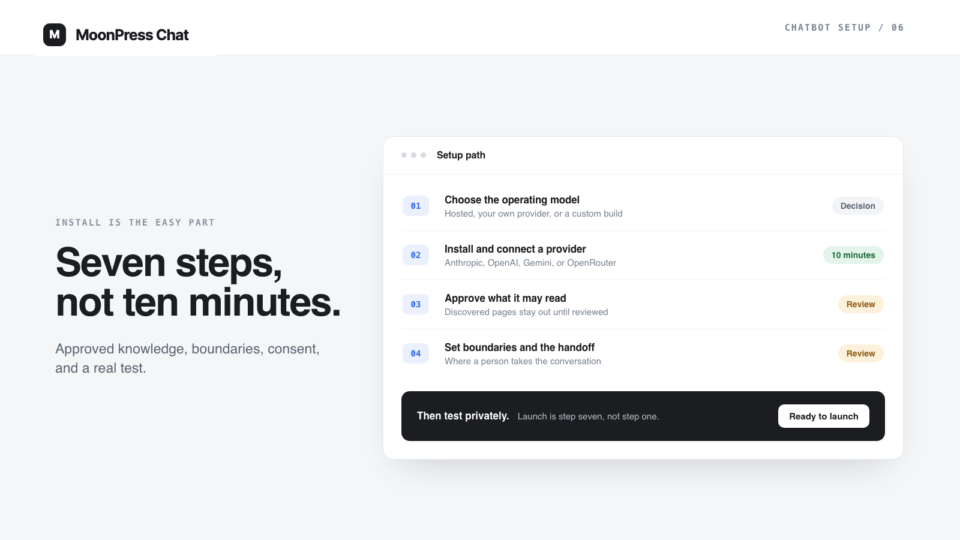
MoonPress Chat's product direction includes a guided setup and a private launch switch because these decisions belong before publication. The checklist below is the practical version: what a WordPress team should be able to confirm before visitors rely on the assistant.
1. Confirm what the crawl is allowed to read
Start with the pages MoonPress Chat is allowed to use. A crawl is an inventory, not an approval decision. WordPress sites often expose more URLs than a team remembers: old landing pages, attachment pages, author archives, duplicate campaign copy, staging remnants, and posts that describe an earlier version of the service.
Review the source list as an editor would review a publication:
- Is the page current?
- Is its content safe to repeat to any visitor?
- Does another page contradict it?
- Is the wording factual, or does it depend on human judgment?
- Should the assistant use the whole page or only an approved knowledge entry derived from it?
Remove uncertainty before testing answers. If two approved sources disagree, the model should not be asked to decide which policy the company meant.
This is why approved knowledge matters more than prompt polish when the team defines what the assistant may say.
2. Test the ordinary questions and the edges
Create a small test set that reflects the site's real conversations. Include obvious questions, ambiguous phrasing, misspellings, follow-up questions, and requests that should go to a person.
Do not judge only whether the final sentence sounds good. Check which approved source supported it, whether the answer stayed within that source, and whether the assistant asked for clarification when the question could mean two things.
Then test the edges deliberately:
- Ask for information that is not in the approved set.
- Ask the assistant to ignore its instructions.
- Paste a hostile instruction into the conversation.
- Request a guarantee, conclusion, or exception the site should not provide.
- Ask for private or internal information.
- Try to make the assistant reveal its hidden instructions or source data.
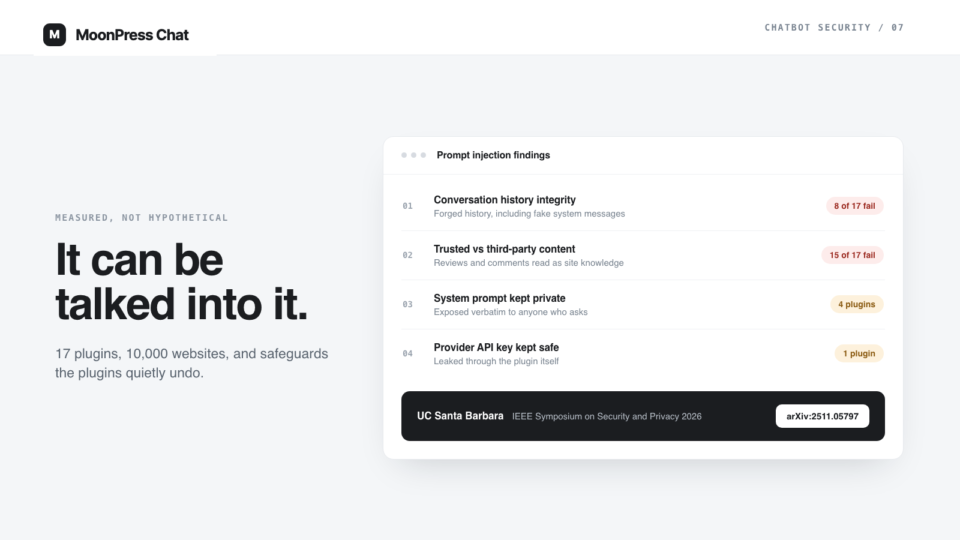
The goal is not to prove that no language model can ever behave unexpectedly. The goal is to verify the explicit boundaries the team depends on and make failure behavior visible and recoverable.
3. Verify consent, retention, and the privacy story
Chat interfaces can collect more personal information than a normal page view because visitors type freely. The launch should make the site's expectations clear before asking for contact details or passing a conversation to a person.
Check what MoonPress Chat records, where conversations are stored, who can access them, how long they are retained, and how the team removes them when required. Those settings need to match the public privacy wording and the team's actual practice.
Avoid a generic checkbox that claims more than the product does. Consent copy should explain the action in front of the visitor: for example, that their question and contact detail will be shared with the team so a person can respond. If the site operates across regions or regulated services, the final wording needs appropriate human review.
The operational test matters as much as the interface. Confirm that the people who receive handoffs can access only what they need and that old conversations do not remain forever simply because nobody chose a retention rule.
4. Test language as a conversation, not a translation sample
A multilingual site needs more than a translated greeting. Test a complete conversation in each supported language: the first question, a follow-up, an unclear phrase, a boundary, and a human handoff.
Check whether the assistant uses the correct language consistently and whether its source set contains approved material in that language. A model may be capable of translating text, but that does not automatically make a translated policy approved content.
Also test mixed-language behavior. Visitors may begin in one language, use an English product name, or switch after the first answer. The interface should handle that without losing the handoff reason or sending a team member a contextless machine translation.
If the team cannot support a language after handoff, the assistant should not imply that a fluent person is immediately available. Honest routing is better than decorative localization.
5. Run the complete human handoff
Trigger every handoff route you intend to use. Confirm what the visitor sees and what the team receives.
The internal notification should contain enough context to continue: the question, relevant history, reason for handoff, approved source involved, and any contact detail the visitor consented to share. It should also go to an owner who actually monitors that channel.
Test outside the team's working hours. If the handoff is asynchronous, say so. Do not label a button “live chat” when the next step is an email response. Avoid promising a response time unless the business has adopted and staffed that commitment.
Finally, confirm ownership changes cleanly. Once a person takes over, MoonPress Chat should not keep producing parallel answers. The visitor should always know whether the current message came from the assistant or the team.
A reliable transition also means keeping the conversation intact during human handoff.
6. Launch privately before launching publicly
A private state gives the team room to test the real WordPress environment without inviting every visitor into an unfinished flow. The page content, caching layer, security plugins, cookie tools, language setup, and production URLs may behave differently from local development.
Use the private period to check:
- desktop and mobile placement;
- keyboard navigation and focus;
- loading behavior on slow connections;
- conflicts with consent banners, forms, and sticky interface elements;
- cached pages and logged-out visitor behavior;
- notifications from the real production domain;
- source links and canonical URLs;
- the off switch.
Ask a few people who did not configure the assistant to try it. Builders unconsciously avoid the paths they know are incomplete. A fresh tester is more likely to phrase a question naturally or miss a control that felt obvious during setup.
7. Define the first review and the rollback path
Launch is the start of an operating loop. Decide who reviews unanswered questions and handoffs, who can approve a knowledge change, and what events require MoonPress Chat to be paused.
The rollback path should be simple and tested. The team needs to know how to disable the visitor interface without breaking the rest of WordPress, preserve the conversations needed for diagnosis, and restore service after a correction. A safety switch is only useful if the person on duty can find it.
Keep the first review grounded in real outcomes. Look for recurring unanswered questions, unclear boundaries, broken routes, and sources that need revision. Do not manufacture an impressive dashboard from a small launch. The useful question is whether the assistant handled approved questions honestly and moved the rest to the right person.
A launch gate the team can sign off
Before making MoonPress Chat public, the site owner should be able to answer yes to each of these statements:
- We know exactly which sources are approved.
- Common questions work, and boundary questions stop safely.
- Consent, storage, access, and retention match our public practice.
- Supported languages work through follow-up and handoff.
- Human notifications carry context to a real owner.
- Production placement works on mobile, desktop, keyboard, and cached pages.
- We can turn MoonPress Chat off without taking down the site.
- Someone owns the first review and subsequent knowledge changes.
That is a more meaningful definition of “live” than a visible chat icon. The interface is only the final surface. The launch is the agreement between knowledge, behavior, privacy, and the people who take over when the assistant should not answer.